Scheduling & Ops
Veterinary Answering Service: How AI Handles Overflow Calls and Emergency Triage
Oct 27, 2026
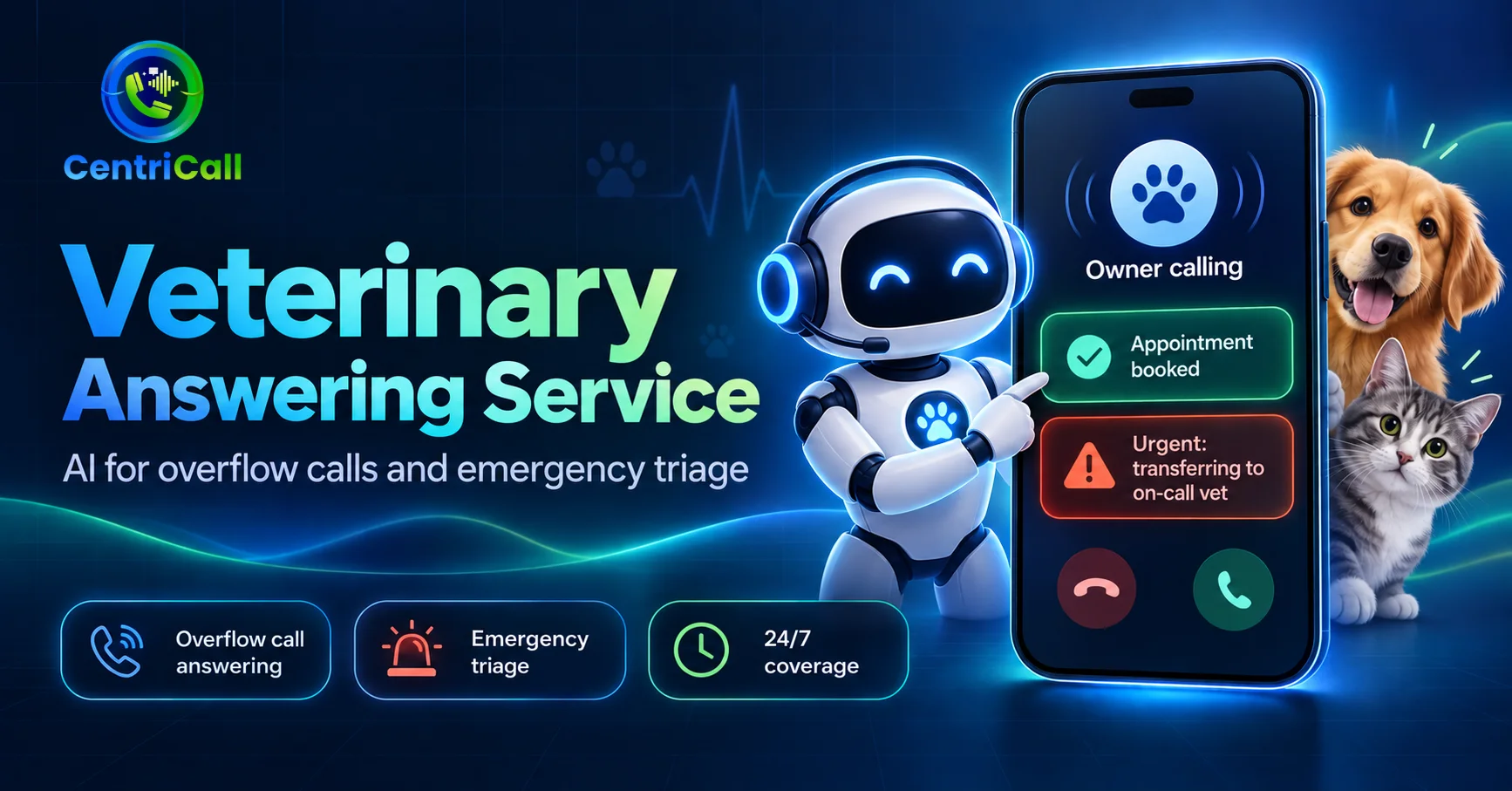
How an AI veterinary answering service handles overflow calls, routine bookings and emergency triage, and what a vet practice should keep in human hands.
A vet practice has an awkward phone problem. The calls are not evenly spread: they arrive in clumps while the team is in consults and theatre, and the most important one of the day, a worried owner with a sick animal, is as likely to arrive in the middle of a busy morning as at 2am. Both ring the same line.
This guide explains what a veterinary answering service does, how an AI one handles overflow and emergency triage, and where a practice should keep a person in charge.
Why vet clinics lose calls
- Consults and surgery: nurses and receptionists cannot answer while they are hands-on with an animal.
- Peak mornings: the first hour of the day brings booking calls, prescription requests and results queries all at once.
- Out of hours: owners ring at night and at weekends, and a voicemail greeting is not what a worried owner wants to hear.
- Message-taking only: a traditional veterinarian answering service passes a message on, and someone still has to call back and book.
An owner who cannot reach you does not wait. They ring the next practice on the list, and they stay there. The cost of a missed call is spread across every booking and every long-term client it turns into.
What an AI veterinary answering service does
Instead of taking a message, the agent holds the conversation and completes the task. On a normal day that means the following.
- Books and moves appointments: checks the practice calendar, offers real slots and confirms the booking on the call.
- Answers practice questions: opening hours, consult fees, what to bring and which species you see, from your own information.
- Takes refill and records requests: captures the animal, owner and request and passes it to the right person in the practice.
- Logs every call: owner, animal, reason and outcome are written down and sent to the team, so nobody rings back blind.
Emergency triage: what it can and cannot do
Triage is the part owners worry about, and the honest answer is that an AI agent should route, not judge. Your practice defines what counts as urgent: signs such as difficulty breathing, suspected poisoning, collapse or heavy bleeding, for example. The agent listens for those and applies the rule the same way on every call.
- Urgent call detected: the agent tells the owner help is being arranged, collects the essentials and warm-transfers to the on-call vet or emergency partner.
- Details already captured: the vet picks up knowing the animal, the symptom and the owner's number, so the owner does not repeat themselves.
- No diagnosis: the agent does not interpret symptoms or recommend treatment. It gives only guidance your practice has approved.
- Unclear call: if the agent cannot tell, the safe default in your rules should be to escalate.
Overflow call answering for vet clinics
Many practices do not want to replace their front desk, only to stop losing the calls it cannot reach. Overflow mode does exactly that: the team answers when it can, and the agent picks up whatever would otherwise ring out. The same setup covers lunch breaks, busy mornings and the hour after closing.
Reminder calls help in the other direction. Vaccination reminder calls fill the diary before owners drift away, and they take pressure off the inbound line later.
AI vs a traditional veterinarian answering service
| Factor | AI veterinary answering service | Traditional answering service |
|---|---|---|
| Books the appointment | On the call | Usually takes a message |
| Callers at once | Unlimited | One per operator |
| Knows your practice | Answers from your own information | Reads a script, varies by operator |
| Emergency handling | Routes by your rules, with details captured | Passes on to your on-call, depending on the operator |
| Cost pattern | Flat monthly plan with included minutes | Often per minute or per call |
For a deeper look at running the whole service inside your own network, see our guide to a private AI answering service.
Setting it up for your practice
- Read a week of your call log: split the calls into routine, urgent and unclear before writing any rules.
- Write the urgent list with your vets: this is the most important page in the setup and it belongs to a clinician, not the vendor.
- Connect the calendar: so bookings go where the front desk already works.
- Test with difficult calls: an owner who is upset, a call in a noisy car park, a call in a second language.
FAQs
What is a veterinary answering service?
- It answers a practice's calls when the team cannot. A traditional one takes messages. An AI veterinary answering service also books appointments, answers practice questions and escalates urgent calls to your on-call vet.
Can an AI answering service handle veterinary emergencies?
- It can recognise an emergency by the rules your practice sets and transfer the call to your on-call vet or emergency partner with the details captured. It does not diagnose or give treatment advice.
Will it replace my receptionists?
- Usually not. Most practices use it for overflow, lunch breaks and out-of-hours cover, so the front desk can concentrate on the people and animals in the building.
Does it work out of hours?
- Yes. The same agent and rules apply at 3am as at 3pm, with urgent calls escalated to whoever is on call.
What does it cost?
- Centricall plans start at $49 a month with 50 included minutes, with per-minute overage stated on the pricing page.